

iMock-Up Laptop for After Effects HD Resolution No plugins required Easy
Customization
sec Drag & Drop your Images or Videos
Footage available on Video.

jwplayer.key=’ypdL3Acgwp4Uh2/LDE9dYh3W/EPwDMuA2yid4ytssfI=’;
jwplayer(“myElement”).setup( {
image: “#”,
aspectratio: “16:9”,
width: ‘100%’,
aspectratio: ’16:9′,
autostart: true,
file : ‘https://video-previews.elements.envatousercontent.com/h264-video-previews/1a42ef9e-0e5e-46ba-96b4-211529964adb/44762438.mp4’,
“tracks”: [ {
“kind”: “captions”,
“file”: “”,
“label”: “Khmer”
},
{
“kind”: “captions”,
“file”: “#”,
“label”: “English”
}],
abouttext: ‘bongseiha’,
aboutlink: ‘www.bongseiha.com’,
captions: {
color: ‘#f7f5f5’, fontSize: 16, backgroundOpacity: 10
},
})
Mock-Up Real Footage Vol 6 Toolkit
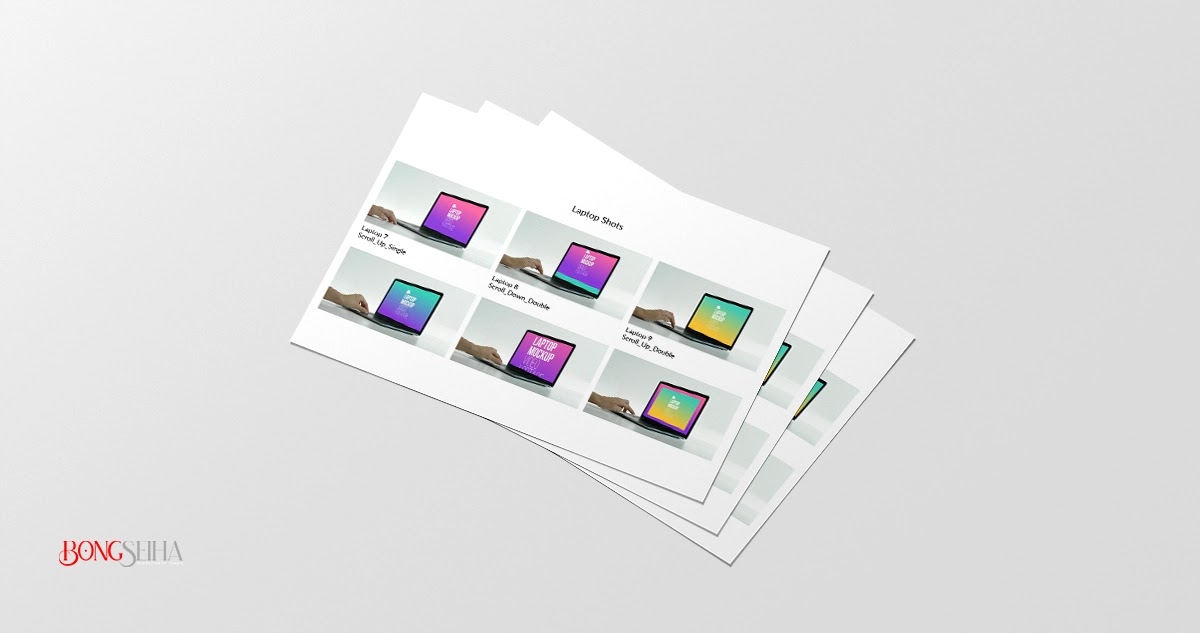
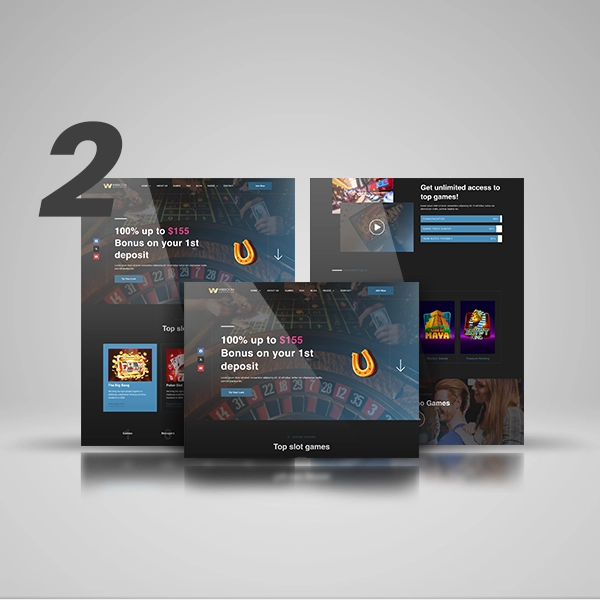
Promote your website and app with these responsive devices film shots. A
Collection of 160+ Mock-Up Footage of Desktop, Laptop, Tablet and Mobile Plus
50 Transparent Shots of Tablet and Mobile
Features:
- CC 2019 – 2022 Compatible Project
- Full HD resolution (1920×1080, 3840×2160)
- No plugins required.
- 160+ Mock-Up Footage
- Each Composition Footage is about 8 sec
- Each Composition has its own placeholder
- Drag & Drop your Images or Videos and Hit Render
- Fast Render
- Tutorial with voice over included.12 Gestures Included (Alpha Channel)
- Holding Device
- Scroll Up Single
- Scroll Up Double
- Scroll Down Single
- Scroll Down Double
- Single Click
- Double Click
- Swipe Left Single
- Swipe Left Double
- Swipe Right Single
- Swipe Right Double
- Zoom In


Leave a comment